Video tools that never upload your files
Trim, caption, compress, convert and more — right in your browser. Everything runs on your device, so it’s fast, private and free, with no watermark.
What do you want to do with this video?
Every tool, one place
Tools you have opened before load instantly and keep working offline.
Captions
Edit
Create
Convert
Why VidiTool
A free online video editor, built like a desktop app.
Your video is processed on your own device. No servers see it, and there is no upload or download wait.
VidiTool uses your device’s built-in video encoder, so most exports finish faster than the video plays.
No account, no limits on exports, and nothing stamped on your video.
VidiTool for Android
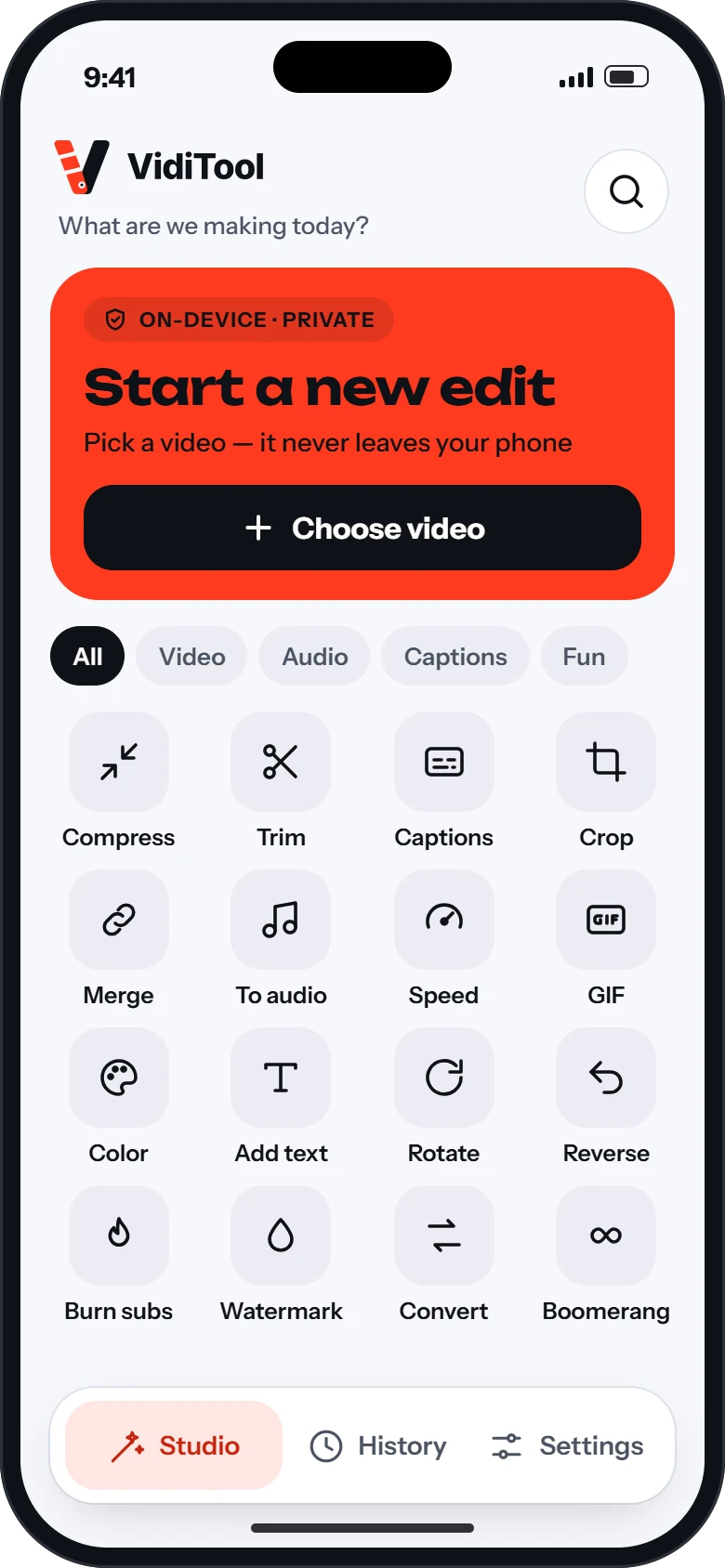
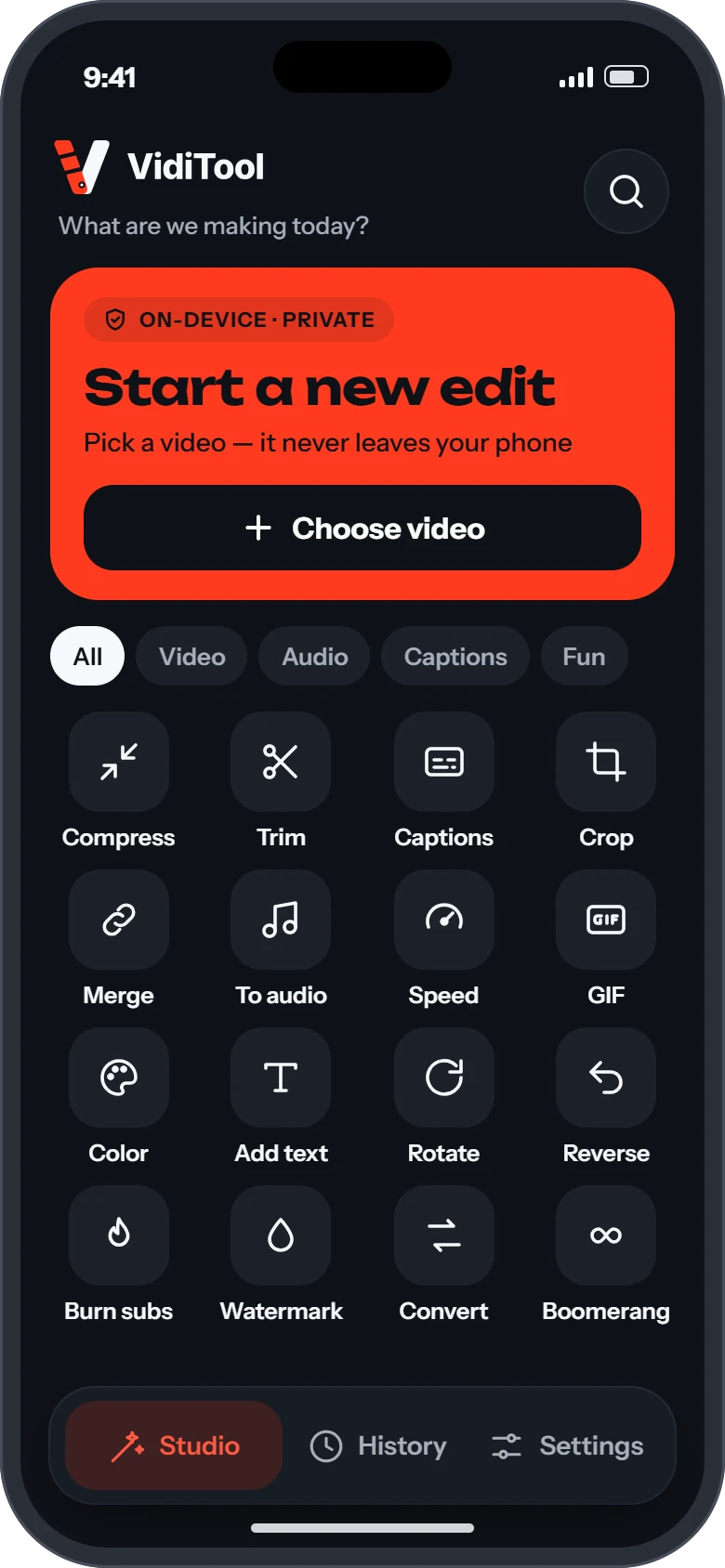
All of these tools in an app, plus captions written for you. Tap Auto captions and VidiTool listens to your video and creates the subtitles on your phone, even offline. Then burn them in with one tap.
- Automatic captions made on your phone, no upload
- 16 tools in one creator grid
- Every export saved in History
- Light and dark themes
Questions
Do I need to install anything or sign up?
No. Open a tool and drop in your file. There is no account and nothing to install.
Are my videos uploaded to a server?
No. Every tool runs inside your browser, on your own device. Your files never leave it, which also means no upload wait.
Is VidiTool free?
Yes. All tools are free and exports never carry a watermark.
Which browsers work best?
Recent Chrome, Edge, Brave and Opera on computers and Android phones give the fastest results, because they use your device’s hardware video encoder. Safari 17 or later works too, and so does Firefox 130 or later on computers.
Is there a VidiTool app?
VidiTool for Android is in testing now and is coming soon to Google Play. It has the same tools plus on-device captions, and works fully offline.